Grok Imagine Pro Prompting Guide: Cinematic Images & Videos (Quick Reference)
Grok Imagine Pro Prompting Guide: Cinematic Images & Videos (Quick Reference)
Your personal second-brain playbook. This is a dense, copy-paste-ready reference for getting consistently strong, cinematic, production-quality results from Grok Imagine.
Grok Imagine handles text-to-image, image editing with references, text-to-video, image-to-video, reference-to-video, video editing, and extension — all with native audio.
Treat prompting like directing a short scene.
Dedicated video guide: For a focused deep-dive on Grok Imagine video generation (motion, camera moves, timing, audio, and advanced video-specific techniques), see the Grok Imagine Video Pro Guide.
Quick Start & Access
- Web: grok.com/imagine
- Mobile: Grok app
- API: xAI console / SDKs
Key Specs:
- Images: 1K/2K, wide aspect ratios (9:16 for Shorts)
- Video: 480p/720p, up to ~15s, native audio
The Pro Prompt Formula (5–7 Layer Framework)
- Subject/Character
- Action + Primary Motion
- Environment
- Camera/Shot
- Lighting + Style
- Details/Quality
- Audio (video)
Master Image Template:
[Detailed subject]. [Action]. In [environment]. [Lighting]. [Camera/shot + lens]. [Style/filmic]. [Quality boosters].
Master Video Template:
Add [Motion]. [Camera movement]. [Audio].
Example Images with Exact Prompts
Cinematic Portrait Example
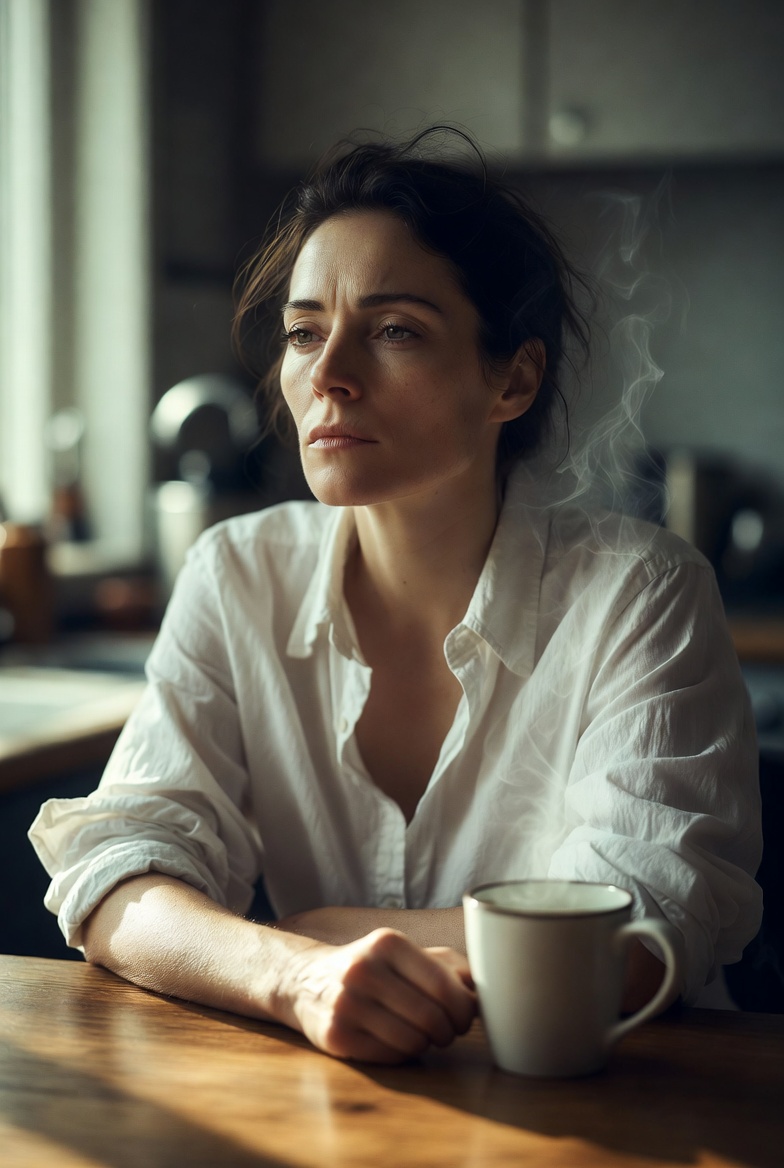
Exact prompt used: Cinematic portrait of a woman with sharp cheekbones and tired but determined eyes, wearing a slightly rumpled white button-down shirt, sitting alone at a wooden kitchen table at 5:17 a.m., soft pre-dawn light coming through a window on the left, steam rising from a mug of tea, medium close-up, shallow depth of field, 85mm lens, photorealistic, subtle film grain, natural skin texture, shot on Arri Alexa, ultra detailed
Cinematic Alley Scene
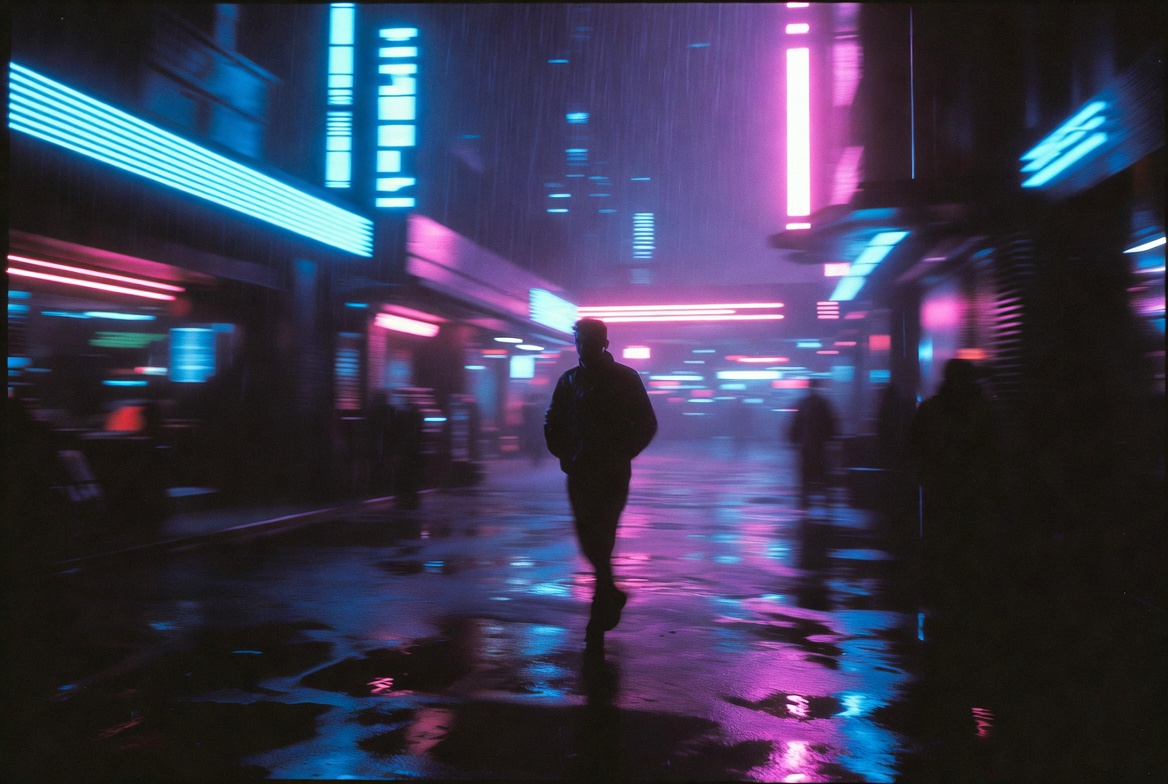
Exact prompt used: Wide establishing shot of a lone figure in a dark jacket walking fast through a rainy neon-lit alley at night in a cyberpunk city. Smooth tracking camera movement from the side. Cold blue and magenta neon reflections on wet pavement. Subtle film grain, cinematic lighting, photorealistic, moody atmosphere
Vertical Shorts Example
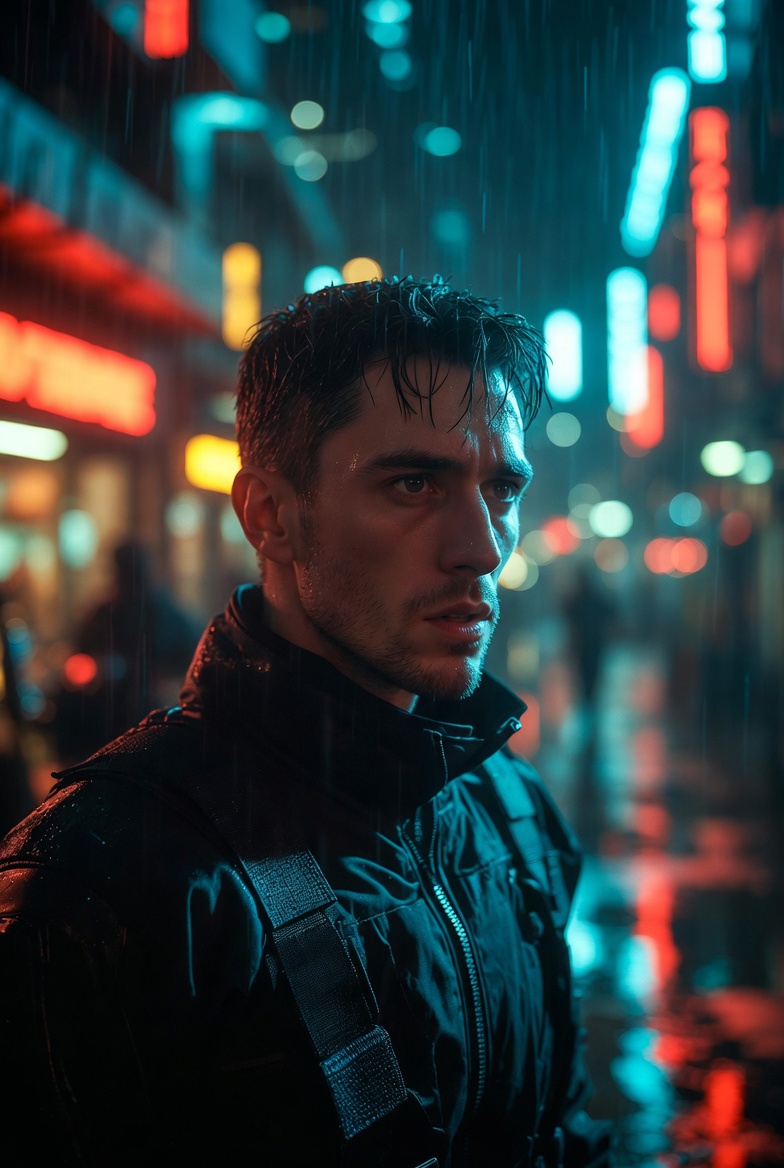
Exact prompt used: Vertical 9:16 shot for YouTube Shorts: Close-up of a determined young man in his late 20s with short dark hair and stubble, wearing a black tactical jacket, standing in a rainy futuristic street at night. Neon signs reflecting in his eyes. Camera slowly pushing in. Cinematic, high contrast lighting, photorealistic, subtle film grain, moody cyberpunk atmosphere
Product / Commercial Example
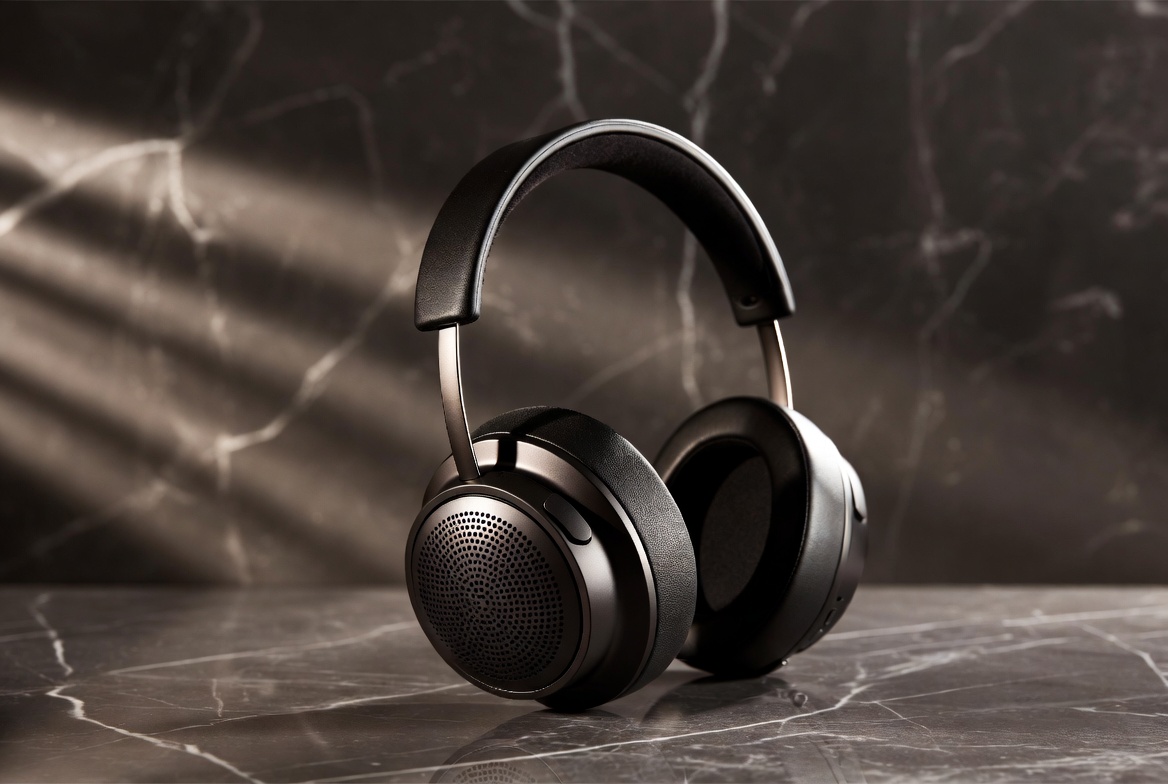
Exact prompt used: Premium product photography of a matte black high-end wireless headphone on a dark marble surface with subtle reflections. Soft volumetric side lighting from the left, shallow depth of field, 85mm lens f/2, clean minimalist composition, photorealistic, luxury commercial style, ultra sharp details
Character Consistency Example
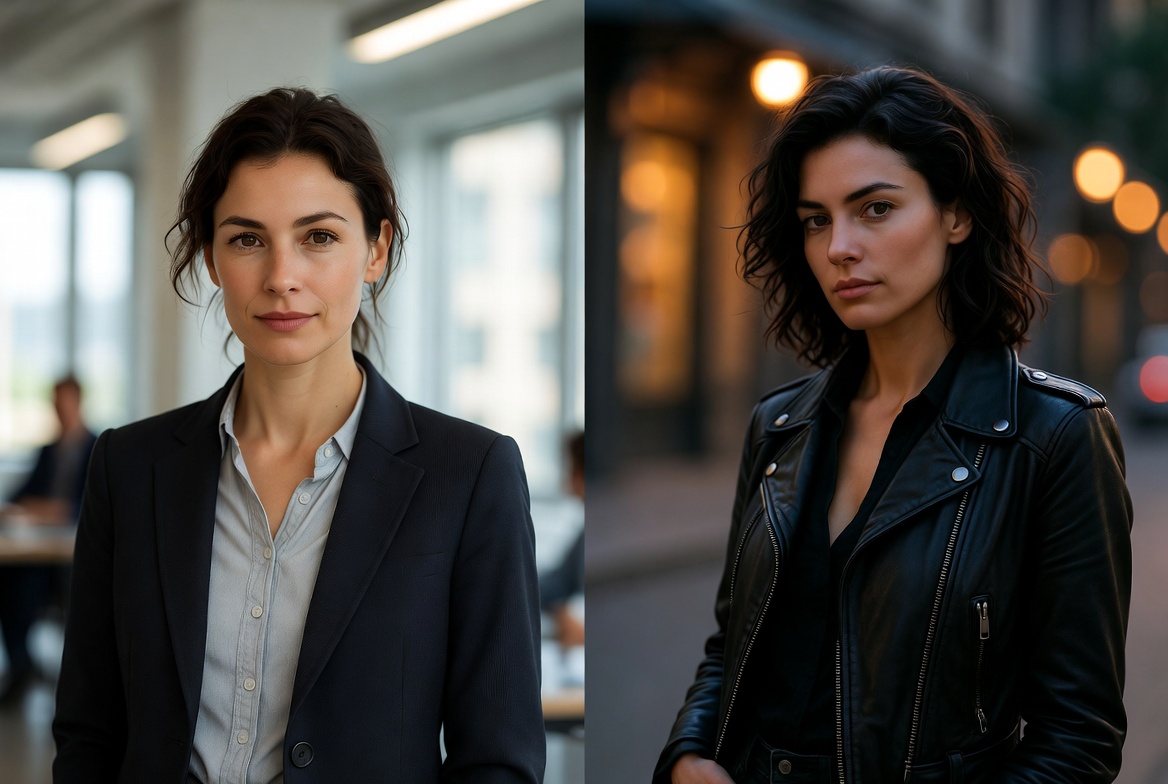
Exact prompt used: Side-by-side character consistency example: Same woman, exact same face and features. Left: professional business attire in bright modern office with natural window light. Right: casual black leather jacket in moody evening street with street lights. Photorealistic, cinematic lighting, ultra detailed skin and fabric, diptych style
Advanced Pro Workflows
Character Consistency Pipeline Generate reference sheet → reuse descriptors + multiple references → consistent videos.
Shot-List → Sequence Plan shots → consistent images → selective video animation → edit → stitch.
Your Stack Integration Grok Imagine → ffmpeg (your Shorts pipeline) → MCP YouTube upload.
Common Pitfalls & Quick Fixes
- Jittery motion → Simplify to 1 action + 1 camera move
- Character drift → Consistent descriptors + references
- Generic results → Add specific lens, lighting, filmic details
Resources
Official:
Prompt Inspiration:
- youmind.com/grok-imagine-prompts
- r/grok on Reddit
Upload the 5 images you have (and the hero image) to /assets/images/ — they will display perfectly.
This is your living reference. Add your own experiments.
All example images in this guide were generated with Grok Imagine using the techniques described.