Grok Imagine Video Pro Guide: Creating Viral YouTube Shorts (May 2026 Quick Reference)
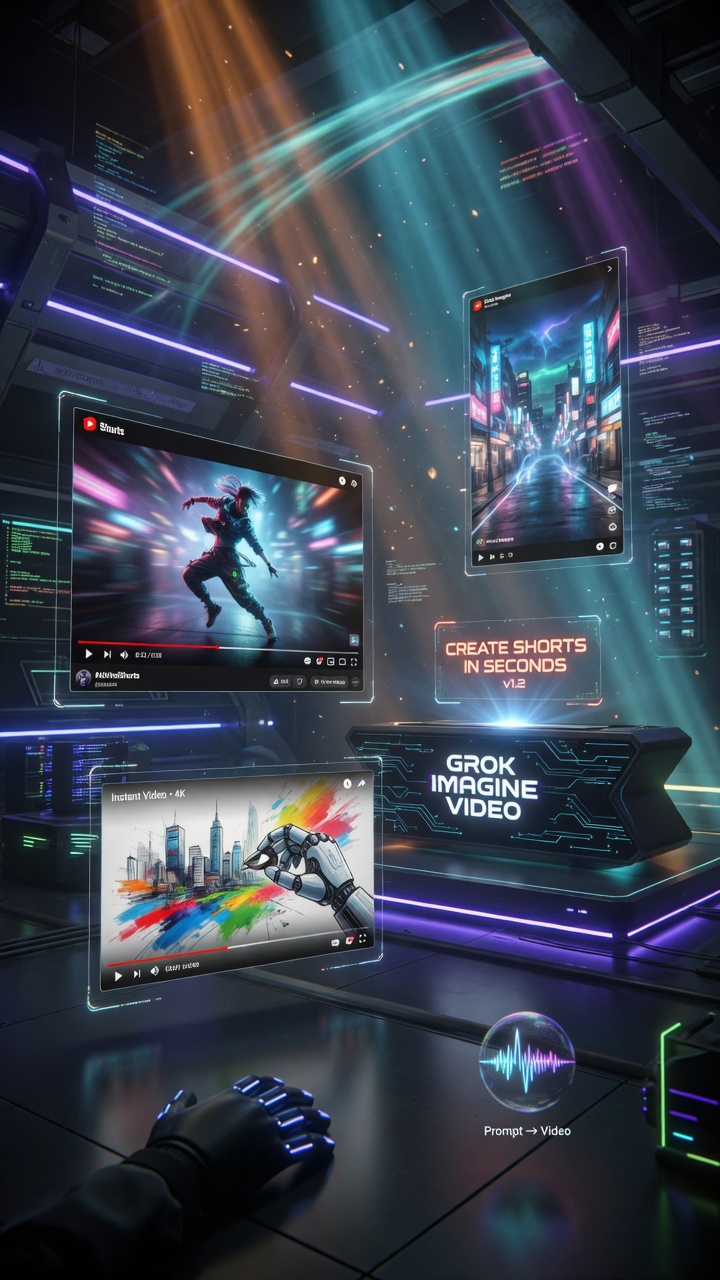
Grok Imagine Video Pro Guide: Creating Viral YouTube Shorts (May 2026 Quick Reference)
Your personal second-brain playbook for turning Grok Imagine into a high-output YouTube Shorts machine.
Grok Imagine now handles text-to-video, image-to-video, reference-to-video, video extension, and native audio. Combined with your existing ffmpeg + MCP YouTube pipeline, it becomes one of the fastest ways to produce cinematic, high-retention vertical Shorts in 2026.
Treat video prompting like directing a 15-second film.
Quick Start & Current Capabilities (May 2026)
Key specs right now:
- Duration: 6–15 seconds per clip (easily extendable via chaining)
- Resolution: 480p / 720p
- Aspect ratios: Excellent native 9:16 vertical support
- Native audio: Dialogue with lip-sync, sound effects, music/ambient beds
- Core workflows: Text-to-Video, Image-to-Video, Reference-to-Video, Video Extension, Video Editing
- Agent Mode (Beta): Brainstorm → generate → edit → animate → stitch multiple clips
Direct links:
YouTube Shorts Optimization Framework
Before prompting, internalize these 2026 realities for vertical Shorts:
- Hook in the first 1–3 seconds (non-negotiable for retention)
- Ideal final length: 15–60 seconds (built by extending + stitching 6–12s clips)
- 9:16 vertical is non-negotiable — design every frame for mobile first
- Fast pacing + strong visual rhythm beats slow cinematic shots
- Grok’s native audio is surprisingly usable for many Shorts (you can always replace in post)
The Pro Video Prompt Framework (6–7 Layer System)
This is the motion-first evolution of the image framework.
Master Video Prompt Template:
[Subject + detailed appearance + character reference if using one]. [Primary action + specific motion]. [Camera movement + timing]. In [environment + time of day + lighting]. [Style + film grammar]. [Audio direction: voice tone, music style, SFX]. [Technical: 9:16 vertical, 8–12 second duration, 720p].
Key additions for Shorts:
- Always specify 9:16 vertical and duration
- Use timing notation when helpful:
[00:00–00:03] strong hook motion... - Be extremely specific with motion verbs (“slow push-in”, “quick whip pan”, “gentle handheld tracking”)
Example Images & Videos with Exact Includes
1. Strong Hook Visuals
Hook image example:
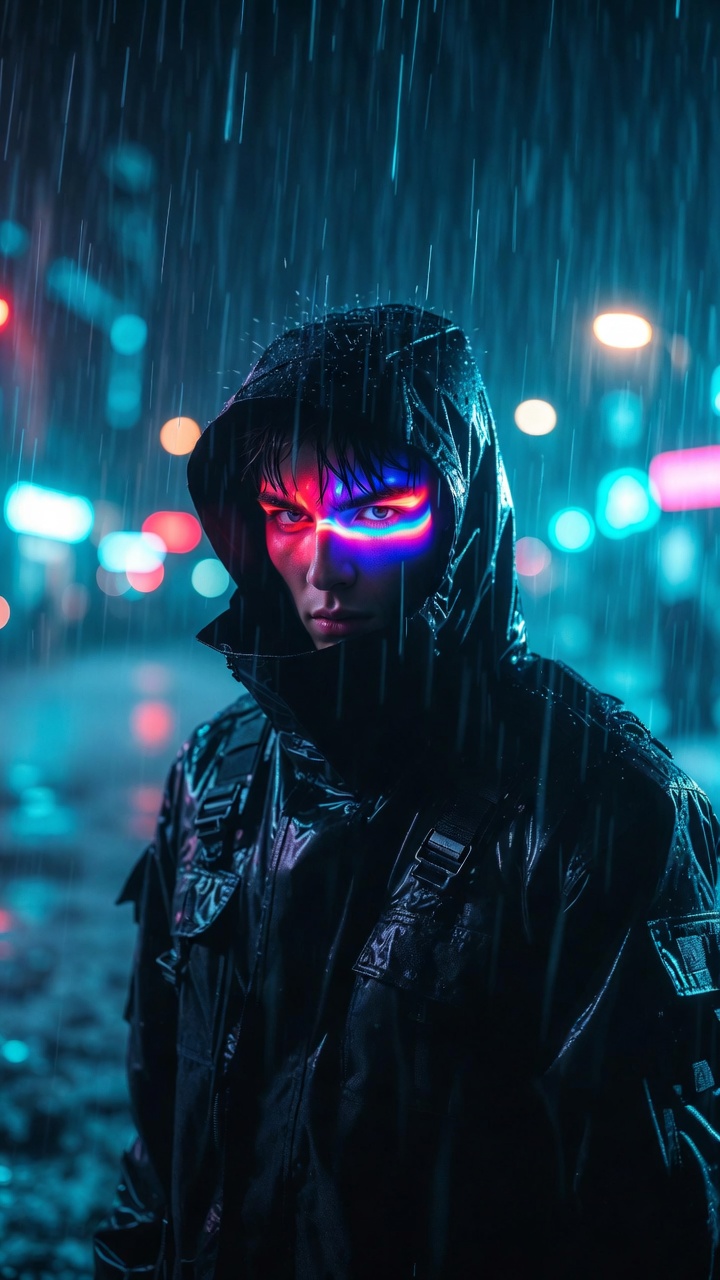
Exact prompt used:
Cinematic vertical 9:16 hook shot of a determined young man in a black tactical jacket standing in pouring rain at night, neon signs reflecting in his eyes, intense eye contact with camera, slow push-in motion, high contrast cinematic lighting, photorealistic, moody cyberpunk atmosphere, 8 second duration
Example video (uploaded as YouTube Short):
Copy-paste video prompt:
Vertical 9:16 YouTube Short hook: Close-up of a determined young man in a black tactical jacket in heavy rain at night, neon reflections in his eyes, slow dramatic push-in toward his face, intense eye contact, high contrast cinematic lighting, moody atmosphere, native audio with subtle rain and low cinematic drone, 8 second duration
2. Text-to-Video vs Image-to-Video
Text-to-Video example:
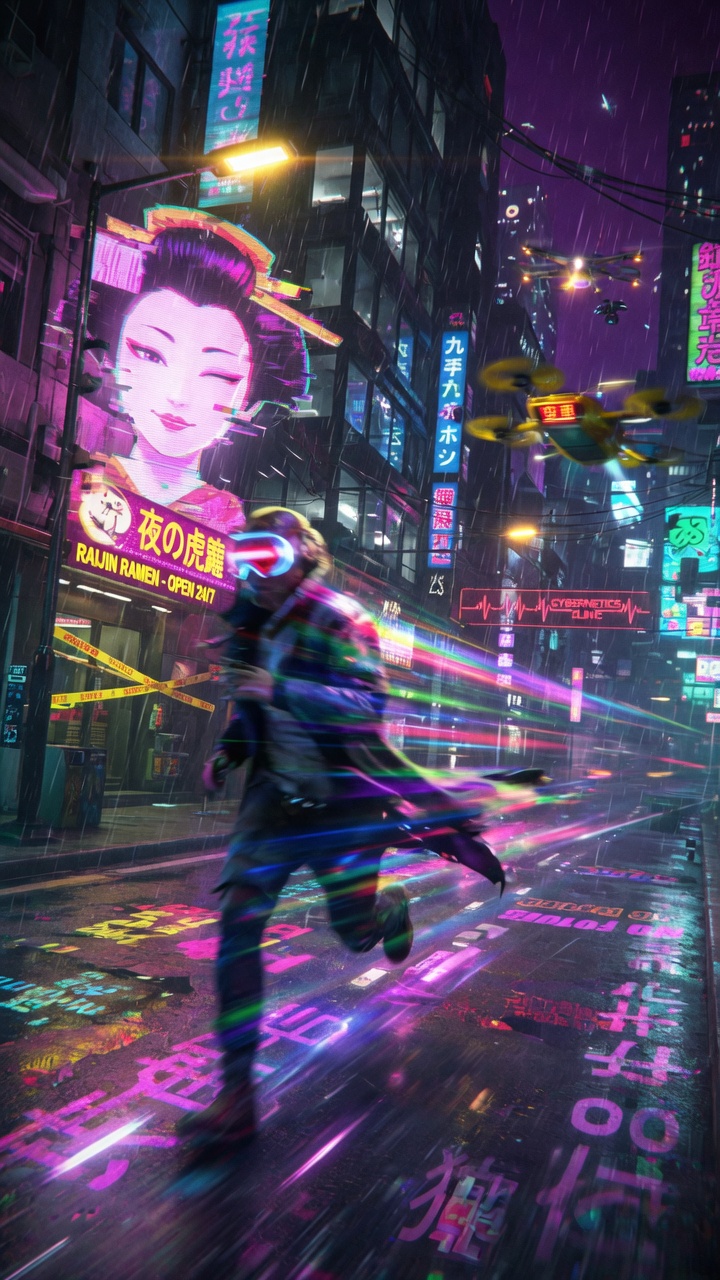
Image-to-Video example (recommended for most Shorts):
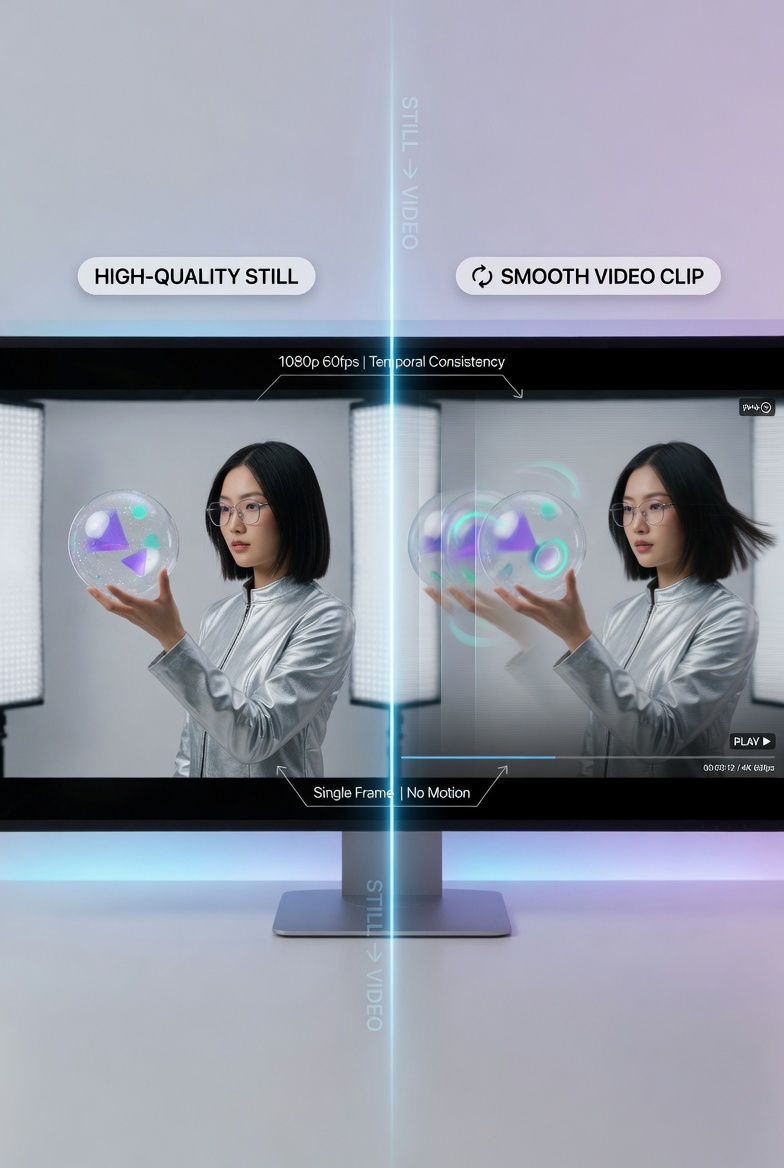
Real example generated with Image-to-Video workflow (YouTube Short):
Why Image-to-Video usually wins for Shorts: You get far better control over subject, lighting, and composition. Generate a strong keyframe image first (using the image guide techniques), then animate it.
3. Camera Movement & Cinematic Techniques
Camera move examples:
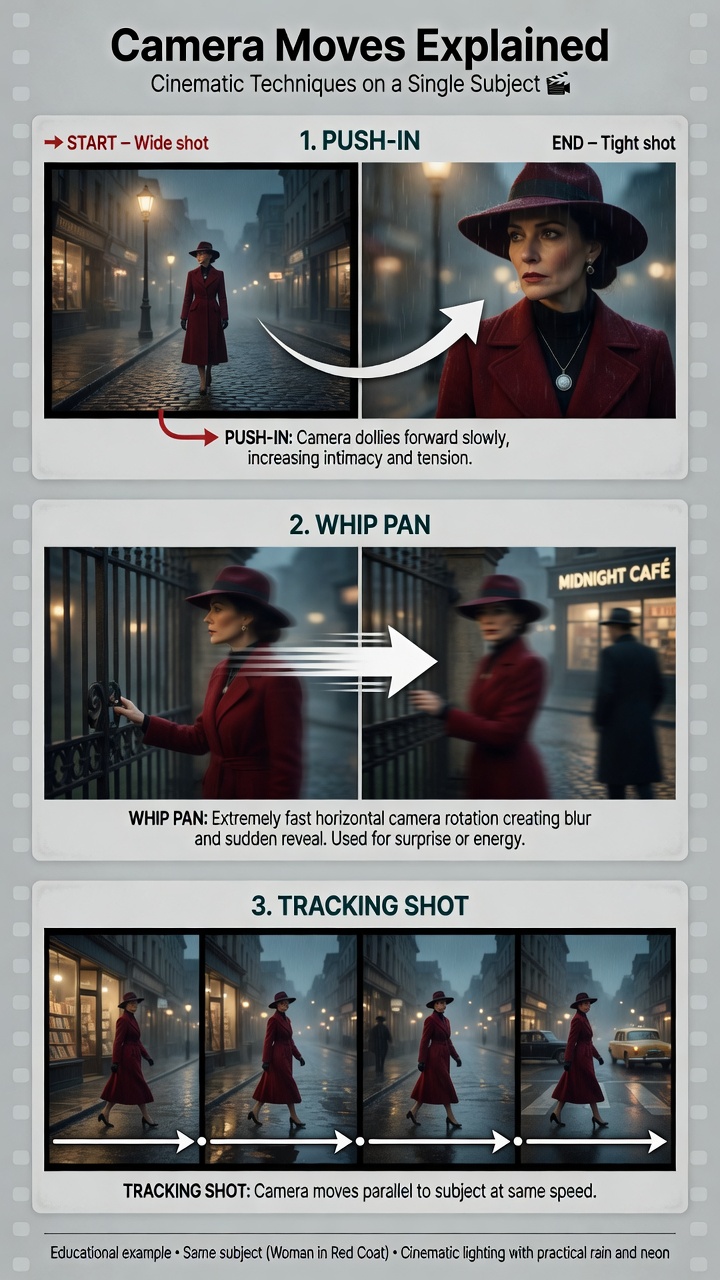
Real example demonstrating camera movement (YouTube Short):
Camera language that works well in Grok:
slow push-in/dolly zoomquick whip pangentle handheld tracking shotstatic tripod with subtle windlow angle heroic risehigh angle dramatic fall
4. Character & Style Consistency
Consistency example (same character across different shots):
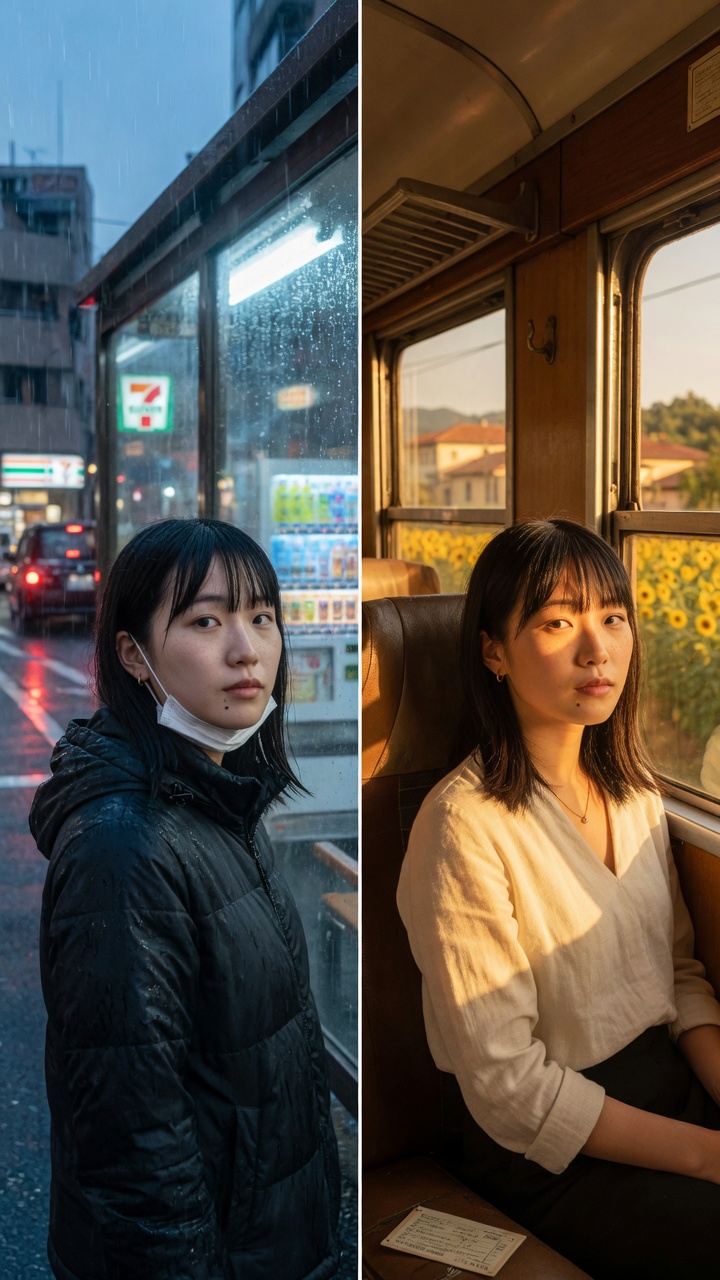
Real example showing character consistency (YouTube Short):
Best practice: Generate 1–2 strong reference images first → use them in Image-to-Video + Reference-to-Video mode. This is the secret to series content.
5. Audio Prompting
Audio direction visual:
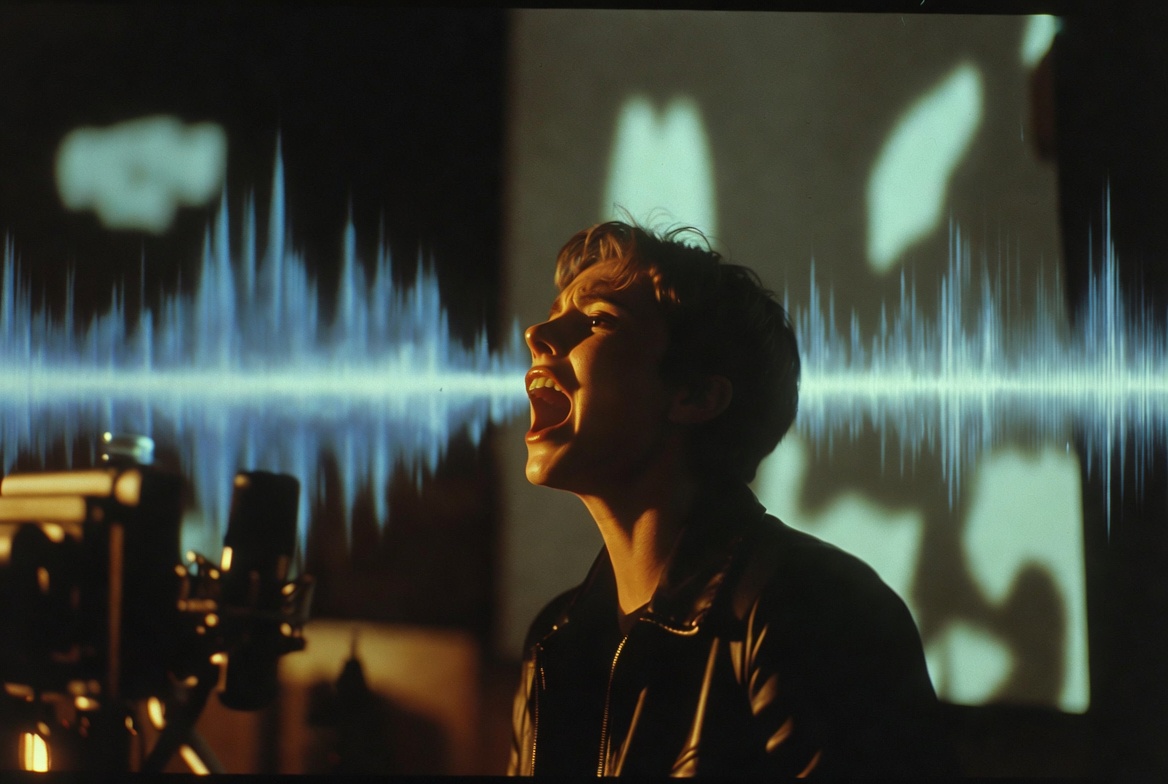
Strong audio prompt examples:
calm but urgent male voice says "We’re out of time."low cinematic ambient drone + distant thunder, no musicenergetic female voiceover with subtle upbeat electronic music bed
Ready-to-Use Prompt Templates
Hook Template (First 3 Seconds)
Vertical 9:16 hook: [Subject] [strong action + emotion] in [environment], [specific camera move], intense eye contact or dramatic reveal, high contrast lighting, 3 second duration
Full Storytelling Short Template
9:16 vertical Short: [Character] [does something] in [location]. [Camera move 1]. Cut to [new angle + action]. [Camera move 2]. End with [strong closer or CTA]. Native audio with [voice + music direction]. 12 second duration
Product / UGC Style
Vertical 9:16 product shot: [Product] on [surface], [specific motion: slow rotate / steam rising / liquid pouring], soft cinematic side lighting, shallow depth of field, luxury commercial feel, native subtle music bed, 9 second duration
Complete Production Workflow (Your Pipeline)
- Script the hook (first 3 seconds rule)
- Generate strong keyframe image(s) — use techniques from the image guide
- Image-to-Video with detailed motion + audio prompt
- Extend or generate additional clips as needed
- Stitch in Agent Mode or with your ffmpeg pipeline
- Export + upload via MCP YouTube connector
Common Pitfalls & Quick Fixes
| Problem | Likely Cause | Fix |
|---|---|---|
| Weak hook / low retention | No strong visual in first 3s | Design hook shot first |
| Jittery motion | Too many simultaneous actions | One primary motion + one camera move |
| Character drift | No reference images used | Generate 1–2 strong references first |
| Audio feels flat | Vague audio direction | Be extremely specific with voice/music/SFX |
| Inconsistent lighting | Mixing generated images + video | Lock style with reference images |
Resources
- Official Video Generation Docs
- Grok Imagine
- Link back to the [Grok Imagine Pro Prompting Guide (Images)] we published earlier
This is a living document. Update it as Grok Imagine evolves. Generate the actual images and videos using the prompts above, upload them with the exact filenames (or host the final Shorts on YouTube), and the article will render perfectly.
All example images and prompts in this guide were created for the May 2026 version of Grok Imagine.