Cline Model Guide: Best Free & Local Options for Reliable Tool Calling (2026)
Cline is an incredibly powerful VSCode agent because it doesn’t just chat — it uses tools to read files, edit code, run terminal commands, and iterate autonomously. The quality of that tool-calling loop depends heavily on the model you choose.
A “good” chat model can still be terrible at reliable tool use. This guide cuts through the noise and gives you the current best options (May 2026) for both free OpenRouter and local Ollama, plus the best places to research and compare models yourself.
Why Model Choice Matters So Much for Cline
Cline’s harness (the core agent runtime) is strict. It expects consistent, well-formatted tool calls (either native JSON or its XML-style prompt format depending on model family). Weak models often:
- Produce malformed tool calls
- Ignore previous tool results
- Hallucinate parameters
- Fail on longer multi-step tasks
Recent Cline versions (v3.35+) added native tool calling support for many strong models (Claude 4+, Grok 4, Gemini 2.5+, GPT-5 family, etc.). This dramatically reduces errors compared to the older prompt-based method.
Rule of thumb: Prioritize models with low “Tool Call Error Rate” and good agentic/coding benchmarks.
Best Free OpenRouter Models for Cline Right Now
OpenRouter makes it trivial to test models. Here are the standouts that users and benchmarks currently report working well with Cline’s tool-calling workflow:
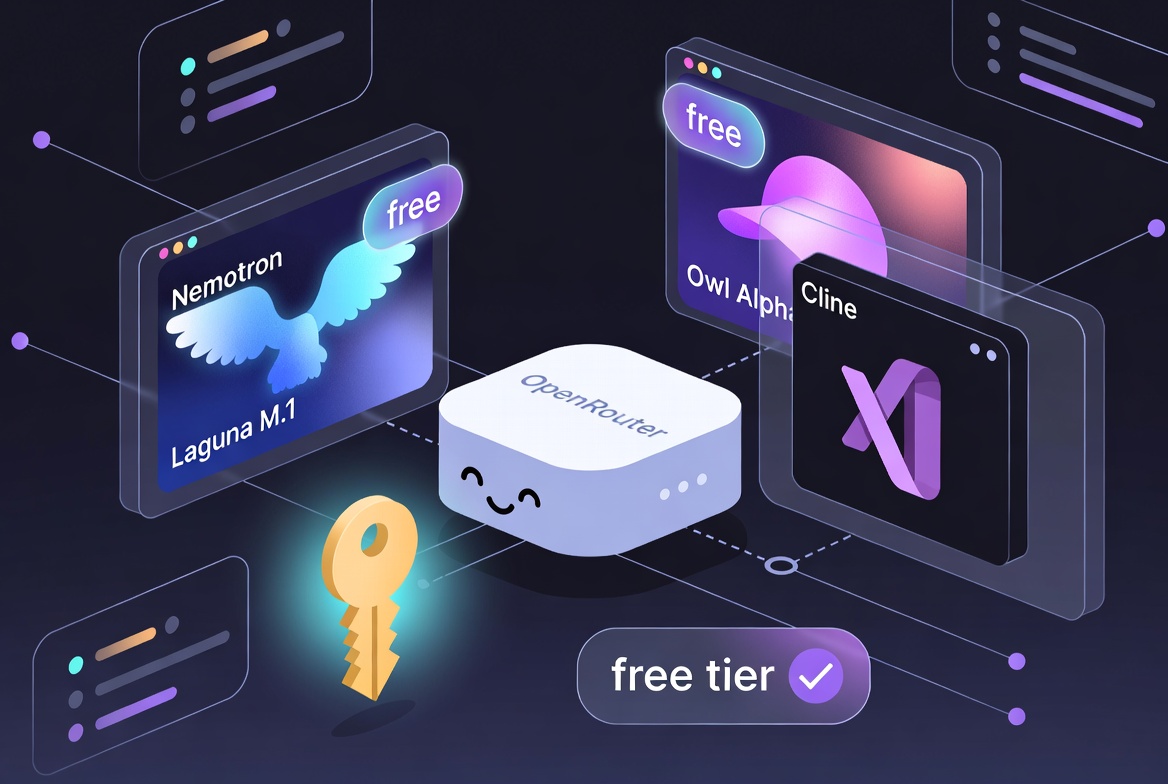
Top Pick: poolside/laguna-m.1:free
- Flagship coding agent model from Poolside
- Explicitly optimized for agentic coding, tool calling, and long-horizon software engineering
- Strong reasoning + native tool support
- 128K+ context
- Currently one of the most reliable free options for Cline
Excellent lighter alternative: poolside/laguna-xs.2:free (still very capable, smaller footprint)
Other strong free contenders:
owl-alpha— High-performance agentic model with excellent tool use and massive context- NVIDIA Nemotron 3 Super / Nano variants (free tiers) — Great for multi-step agent tasks
- GLM 4.5 Air or similar GLM agent-centric models
How to browse & filter yourself:
On every model page, scroll to the Performance tab — it shows real Tool Call Error Rate. This is the single most useful metric for Cline users.
Quick tip for setup in Cline: Use the exact model string above (e.g. poolside/laguna-m.1:free). Pinning a specific strong model usually beats the generic openrouter/free router for consistency across tool turns.
Strong Local Options with Ollama
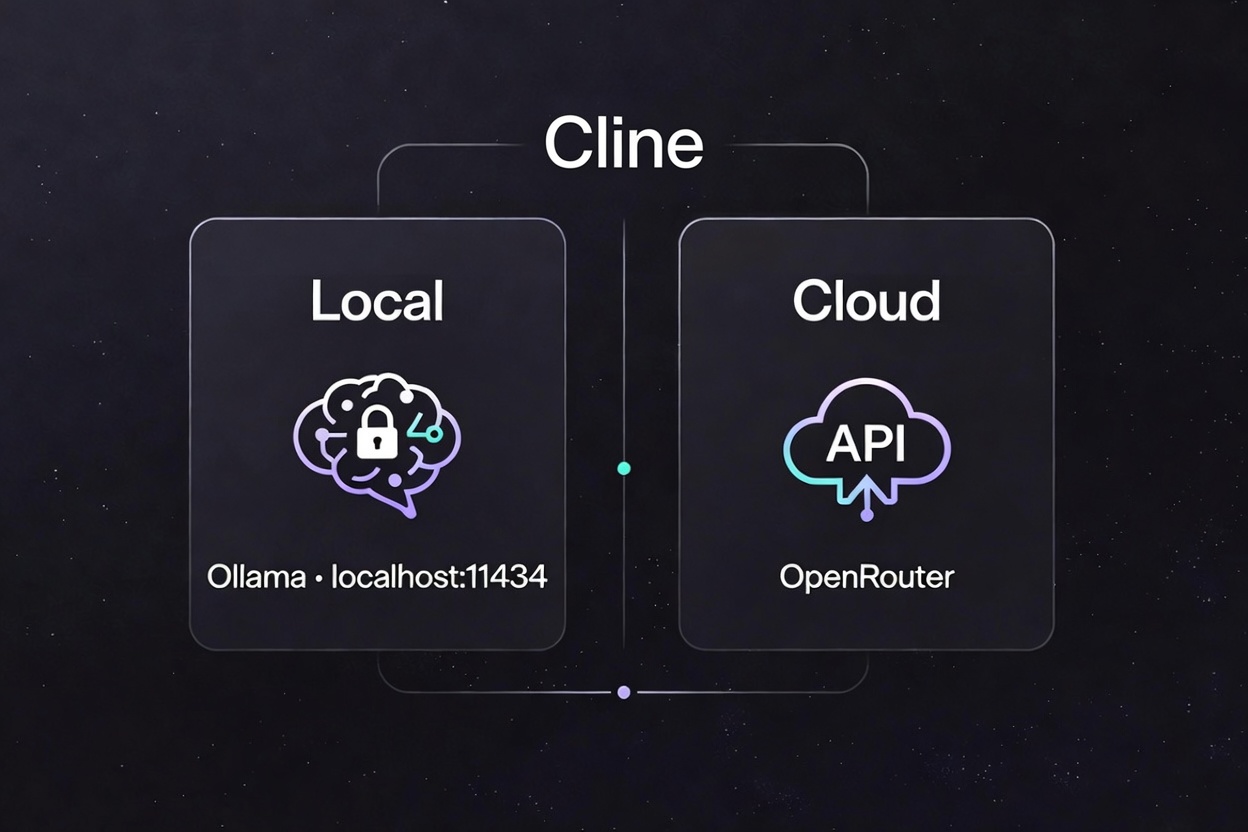
Running locally gives you unlimited tool calls, full privacy, and zero per-token cost. Cline has excellent built-in Ollama support.
Current top recommendations for agentic/tool-heavy work in Cline:
- Qwen3-Coder (30B A3B MoE or similar quantized variants) — Currently one of the strongest open coding-agent models. Excellent tool calling, long context, and SWE-bench style performance. MoE versions are surprisingly efficient.
- GLM-4.7-Flash / GLM-4.5 variants — Outstanding terminal-agent behavior and clean code generation.
- Qwen2.5-Coder 32B or 14B — Proven, widely used, great balance of quality and speed.
- Smaller but capable starters:
qwen2.5-coder:7borgemma3variants for lower hardware.
Hardware guidance (rough 2026 reality):
| Your Setup | Recommended Starting Model | Notes |
|---|---|---|
| 16–32 GB RAM (no strong GPU) | 7B–14B Qwen Coder or GLM Flash | Usable for daily agentic work |
| 12+ GB VRAM GPU | 30B+ Qwen3-Coder / GLM 4.7 | Fast, comfortable for complex sessions |
| High-end (24 GB+ VRAM) | 30B–70B+ class (Q4/Q5 quant) | Excellent speed + capability |
Quick Cline + Ollama setup:
- Install Ollama from ollama.com
- Pull a model:
ollama pull qwen3-coder:30b(or smaller quant tag) - In Cline settings → choose Ollama provider
- Select your model from the dropdown (or type the exact name)
- (Optional) Increase context window in model settings
Ollama gives you a fully local OpenAI-compatible endpoint at http://localhost:11434.
See our companion Ollama for Beginners guide for full install + Open WebUI steps.
Best Leaderboards & Stats Playgrounds (Your Research Toolkit)
Don’t just trust one source. These sites are the best “scoreboard centers” for comparing models:
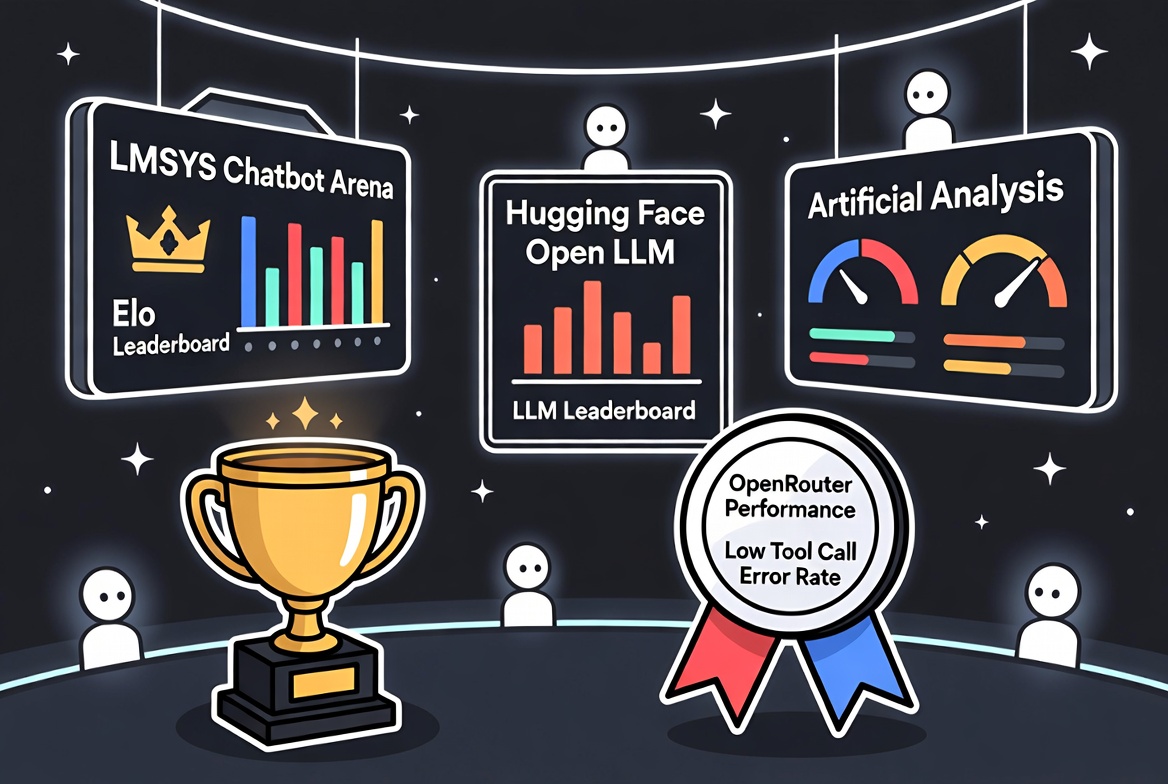
1. LMSYS Chatbot Arena (lmarena.ai)
https://lmarena.ai/
Blind human preference testing. Elo rankings updated live. Best for “which model feels smartest overall.”
2. Hugging Face Open LLM Leaderboard
https://huggingface.co/spaces/HuggingFaceH4/open_llm_leaderboard
Standardized academic benchmarks (MMLU, HumanEval, GSM8K, etc.). Great for raw capability comparison.
3. Artificial Analysis
https://artificialanalysis.ai/
Detailed breakdowns: quality index, output speed, latency, price per million tokens, context handling. Extremely useful when choosing between similar models.
4. OpenRouter Model Pages (the hidden gem for Cline users)
Every model has a Performance tab with Tool Call Error Rate + real usage data. Filter by supported_parameters=tools. This is often more relevant than general leaderboards for agentic tools.
5. Coding-Agent Specific Benchmarks
- SWE-bench (real GitHub issue fixing)
- LiveCodeBench / BigCodeBench Search for latest results on these — they correlate better with Cline-style workflows than pure chat benchmarks.
6. Cline GitHub & Community
- Cline repo issues & discussions: search “OpenRouter” or specific model names
- Real user reports on what actually works day-to-day with the harness (including failure modes).
Quick Decision Framework
- Just starting / zero budget → Start with
poolside/laguna-m.1:freein the OpenRouter beginners guide. Test a few tasks. - Hitting rate limits or inconsistent tool calls → Add $5–10 credits or switch to a strong local model (Qwen3-Coder via Ollama).
- Want maximum privacy + unlimited use → Go local with Ollama + Qwen3-Coder class model.
- Need frontier reasoning → Use paid Claude 4 / Grok 4 / Gemini 2.5+ via OpenRouter (native tool calling in recent Cline).
Model quality for agentic work moves fast. The sites above + the Tool Call Error Rate metric will keep you current.
Start simple, test tool calling explicitly on a small task, and scale up. Cline becomes dramatically more useful once you pair it with a model that respects the tool format reliably.
Images generated with Grok Imagine in bold cartoon outline / flat icon style to perfectly match the SpaghettiStories dark tech blog aesthetic. Companion guide published to the SpaghettiStories _vibe101_ collection. Links verified May 2026. For the simple quickstart, see the updated OpenRouter for Beginners guide.